
Racinage Docs
Build, preserve, and share family history.
Last updated 2026-09-01T12:16:52+00:00
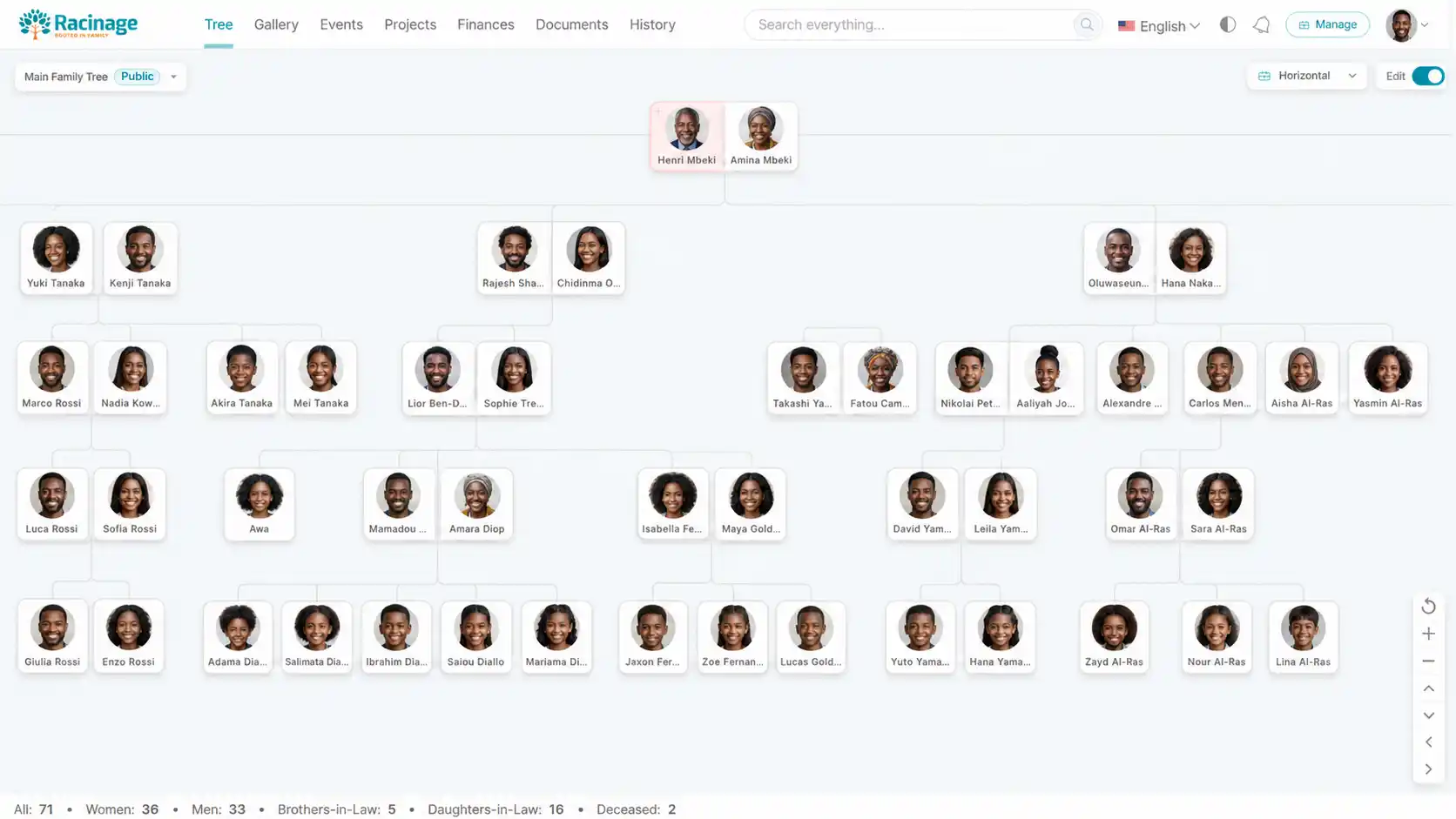
Racinage is a family platform for interactive trees, public sharing, media, events, projects, finances, documents, and history records. These docs explain the main workflows for family managers, invited users, and administrators.
Who this documentation is for
Family managers
Create a family account, invite people, and manage everyday records.
Tree editors
Add parents, spouses, partners, children, and profile details safely.
Progress participants
Understand private aliases, streaks, badges, rankings, points, and permanent rewards.
AI users and MCP clients
Choose cloud or local models and use confirmation-bound family tools.
Public viewers
Understand shared tree links, privacy controls, and recommendations.
Administrators
Review permissions, account controls, and production safety notes.
API integrators
Use scoped API keys, export formats, SSE updates, and signed webhooks.
Plugin publishers
Request developer access, publish plugins, manage reviews, and understand paid splits.
Security researchers
Test the isolated sandbox, submit encrypted reports, and understand rewards and disclosure.
Customers and affiliates
Understand reductions, coupon codes, referrals, commissions, and reviewed payments.
Product map
The dashboard is organized around a few high-use workspaces:
- Tree: relationship editing, member profiles, visibility, deceased markers, and public sharing.
- Gallery and Events: family albums and calendar-based records.
- Projects and Finances: shared initiatives, expenses, and family financial tracking.
- Documents and History: durable records, files, and family timeline entries.
- Progress: privacy-controlled score, weekly consistency, badges, rankings, and capped rewards.
- Search: quick lookup across the records a user can access.
Recommended reading order
1
Start with account basics.
Learn the dashboard layout, login model, and user permissions.
2
Build the tree.
Add the first member, then expand the family branch by branch.
3
Share carefully.
Create public links only after choosing the right privacy settings.